
1. Introduction
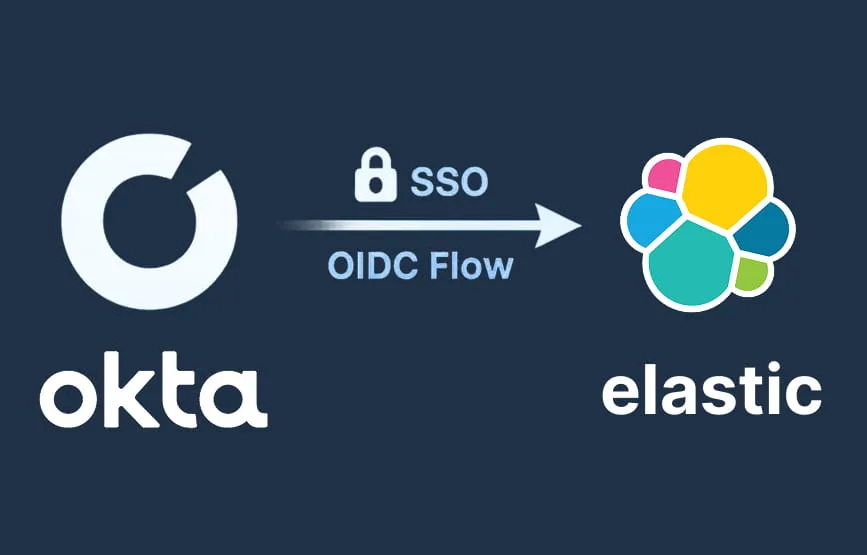
This document provides a step-by-step guide to configure Okta as an OpenID Connect
(OIDC) Identity Provider for the Elastic Stack. By integrating Okta with Elastic using
OIDC, users can authenticate using centralized Single Sign-On (SSO) while Elastic
validates identity through Okta-issued access tokens.
This integration allows:
- Centralized authentication management
- Enforced corporate security policies
- Reduced password management overhead
- Scalable enterprise access control
2. What is Okta?
Okta is a cloud-based Identity and Access Management (IAM) platform that provides:
- Single Sign-On (SSO)
- Multi-Factor Authentication (MFA)
- User and group management
- Secure token-based authentication
- Identity federation across applications
Okta acts as the Identity Provider (IdP), validating users and issuing authentication
tokens to applications such as Elastic.
3. What is OIDC (OpenID Connect)?
OpenID Connect (OIDC) is an authentication protocol built on OAuth 2.0 that enables
secure user identification using JSON Web Tokens (JWT).
It is commonly used for:
- API-based authentication
- Token-based authorization
- Enterprise-grade Single Sign-On (SSO)
- Secure federated identity management
Key Concepts:
- Access Token – Used to authenticate API access
- ID Token – Contains user identity (email, username, name)
- Refresh Token – Renews expired tokens
- JWT (JSON Web Token) – Encrypted + signed identity payload
OIDC is recommended when you plan to integrate applications with Okta
programmatically or using widgets and APIs.
4. Architecture Overview
User → Application → Okta → Token Validation → Application Access Granted
- Elastic redirects authentication to Okta
- User logs in using corporate credentials
- Okta issues tokens
- Elastic validates the token and grants access based on roles
5. Step 1 – Configure Application in Okta
5.1. Create OIDC Application
- Login to Okta Admin Console
- Navigate to Applications → Create App Integration
- Select OIDC – OpenID Connect
- Choose Web Application
- Click Next
5.2. Application Settings
Configure:
- App name: Elastic OIDC
- Grant type: Authorization Code
Sign-in redirect URIs:
https://<kibana-host>/api/security/oidc/callback
Logout redirect URIs:
https://<kibana-host>/logout
Assign users or groups to okta application
NOTE : Don’t forget to replace all place holders with their actual values
5.3 Save Credentials
After creating the app, note:
- Client ID
- Client Secret
- Okta Domain (e.g. https://dev-123456.okta.com)
6. Step 2 – Role Mapping in Elastic
Map Okta usernames to Elastic roles in username you can add multiple of them.
            POST /_security/role_mapping/oidc_kibana
{
  "roles": ["superuser"],
  "enabled": true,
  "rules": {
  "all": [
     { "field": { "realm.name": "oidc1" } },
     {
       "any": [
         { "field": { "username": "<ENTER_YOUR_USERNAME>" } },
         { "field": { "username": "<ENTER_YOUR_USERNAME>" } },
         { "field": { "username": "<ENTER_YOUR_USERNAME>" } }
        ]
       }
     ]
   }
 }
NOTE : Don’t forget to replace all place holders with their actual
values
7. Step 3 – Configure Elasticsearch
Edit your elasticsearch.yml
            xpack.security.authc.realms.oidc.oidc1:
order: 2
rp.client_id: "<client_id_from_okta>"
rp.response_type: "code"

rp.requested_scopes: ["openid", "email"]
rp.redirect_uri: "http://<kibana-host>/api/security/oidc/callback"
rp.post_logout_redirect_uri: "http://<kibana-host>/logout"
op.issuer: "<your_okta_domain>"
op.authorization_endpoint: "<your_okta_domain>/oauth2/v1/authorize"
op.token_endpoint: "<your_okta_domain>/oauth2/v1/token"
op.userinfo_endpoint: "<your_okta_domain>/oauth2/v1/userinfo"
op.endsession_endpoint: "<your_okta_domain>/oauth2/v1/logout"
op.jwkset_path: "<your_okta_domain>/oauth2/v1/keys"
claims.principal: email
Then restart your elasticsearch
NOTE : Don’t forget to replace all place holders with their actual
values
8. Step 4 – Configure Kibana
Edit kibana.yml
            xpack.security.authc.providers:
oidc.oidc1:
order: 0
realm: oidc1
description: "Login with Okta"
basic.basic1:
order: 1
9. Conclusion
OIDC integration with Okta enables enterprise-grade centralized authentication, reduces credential sprawl, and improves security posture while offering seamless user access to Elastic environments.